

AI-Controlled Plant Growth with NVIDIA Jetson
Build a fully automated indoor grow system powered by computer vision, edge AI, and the NVIDIA Jetson board — from seed to harvest, without manual intervention.
What is a fully controlled environment?
A Controlled Environment Agriculture (CEA) system uses sensors, actuators, and AI to manage every variable that affects plant growth — light spectrum and duration, temperature, humidity, CO₂ concentration, nutrient delivery, and water pH — automatically and in real time.
By pairing an NVIDIA Jetson board with AI vision cameras, you can go far beyond simple automation. The Jetson runs neural network models at the edge, analyzing plant health visually and making growth decisions without any cloud dependency.
Why NVIDIA Jetson?
- Edge inference: Run TensorRT-optimized models locally with no internet required
- Multi-camera support: Monitor multiple grow zones simultaneously via CSI-2 or USB cameras
- GPIO control: Directly drive relays for lights, pumps, fans, and CO₂ valves
- Low power: Operates 24/7 on as little as 7W (Jetson Nano) to 60W (Jetson Orin)
- DeepStream SDK: Real-time video analytics pipeline for continuous plant monitoring
System Architecture
The four layers that make the system work together
1. Vision Layer
High-resolution cameras capture plant imagery continuously. AI models detect leaf color deviation, wilting, nutrient deficiency patterns, pest presence, and growth stage classification.
2. Sensor Layer
Environmental sensors feed real-time data into the Jetson, which fuses it with vision data to build a complete picture of growing conditions every few seconds.
3. Jetson AI Brain
The Jetson Orin runs TensorRT-optimized models that process camera streams, fuse sensor data, and output actuation commands — all at the edge with sub-100ms latency.
4. Actuation Layer
Relay boards, PWM controllers, and peristaltic pumps receive commands from the Jetson to close the loop automatically — adjusting conditions within minutes of detecting drift.
Step-by-Step: Building Your AI Grow System
Step 1 — Flash JetPack & install dependencies
Flash JetPack 6.x via NVIDIA SDK Manager. Install DeepStream SDK, Python 3.10, and the following packages:
pip install ultralytics torch torchvision jetson-stats paho-mqtt tensorrtStep 2 — Connect cameras via MIPI CSI-2
Mount top-down 60–80 cm above canopy for full leaf coverage. Add a side camera for stem height tracking. Verify with nvgstcapture-1.0 --sensor-id=0
Step 3 — Wire I²C sensors to the 40-pin header
SDA on pin 3, SCL on pin 5. Connect SHT40 (temp/humidity), MH-Z19C (CO₂), Atlas EZO-pH and EZO-EC modules.
Step 4 — Deploy plant vision model
Fine-tune YOLOv8 on the PlantVillage dataset. Export to TensorRT FP16 for real-time Jetson inference.
model.export(format="engine", device=0, half=True)Step 5 — Build the control loop
60-second cycle: capture → infer → read sensors → publish MQTT commands to relays, pumps, and LED driver.
Step 6 — Monitor via Grafana dashboard
InfluxDB + Grafana run on the Jetson itself. Set alerts for CO₂ > 1500 ppm or pH outside 5.5–6.5.
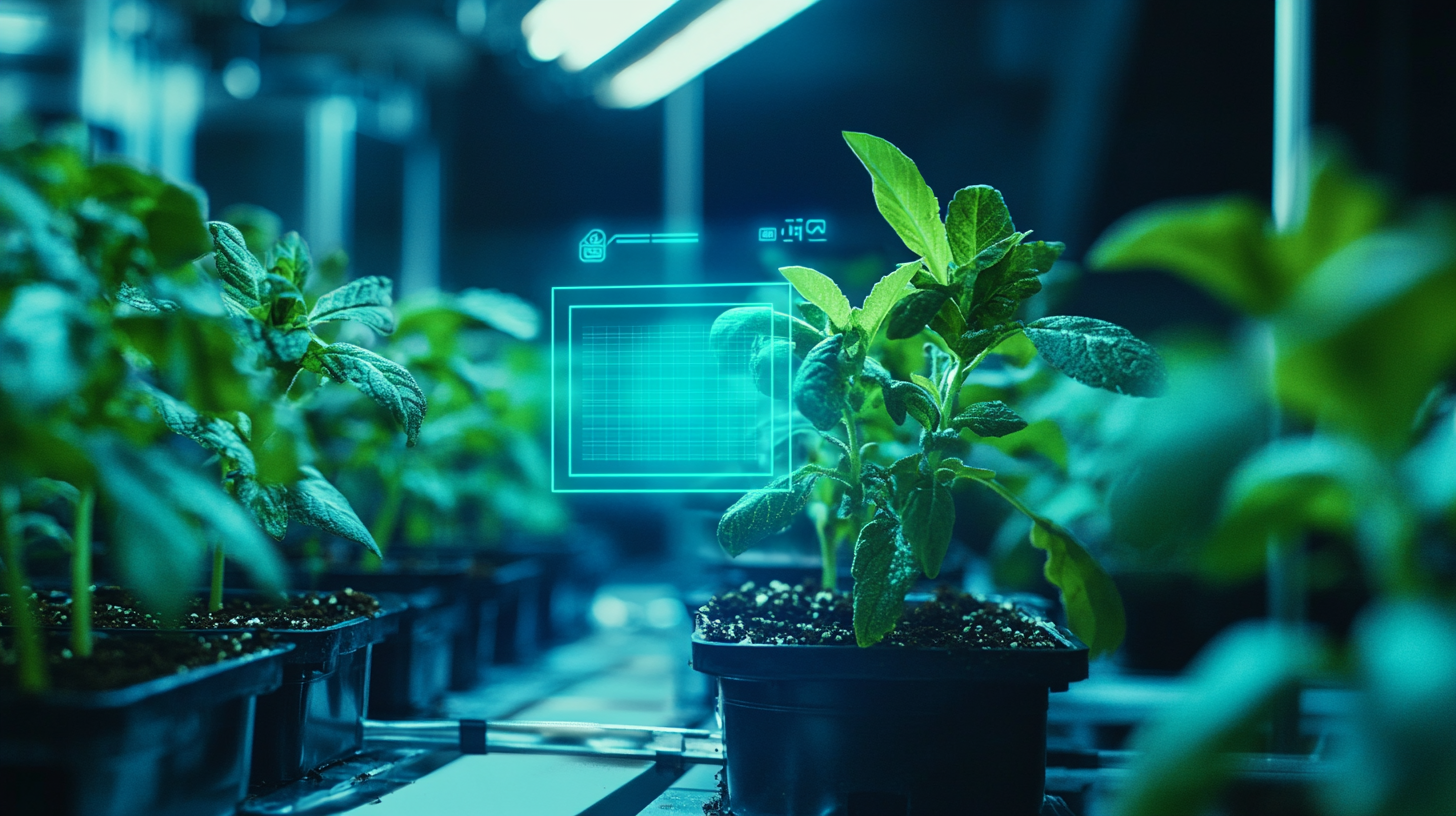
AI Vision in Action
The vision model runs continuously, detecting health anomalies and growth stages in real time
Key Parameters the AI Monitors & Controls
| Parameter | Sensor / Method | Ideal Range | AI Action if Out of Range |
|---|---|---|---|
| Temperature | SHT40 (I²C) | 20–26°C | Increase / decrease fan speed |
| Relative Humidity | SHT40 (I²C) | 55–70% (veg), 40–50% (flower) | Activate humidifier or dehumidifier relay |
| CO₂ Level | MH-Z19B (UART) | 800–1200 ppm | Open / close CO₂ solenoid valve |
| Light (PPFD) | SQ-520 PAR sensor | 400–600 µmol/m²/s (veg) | Dim or brighten LED driver via PWM |
| Nutrient EC | Atlas Scientific EZO-EC | 1.2–2.4 mS/cm | Dose nutrient concentrate or flush with water |
| pH | Atlas Scientific EZO-pH | 5.8–6.2 (hydro) | Dose pH Up or pH Down solution |
| Leaf Health | AI Vision (YOLOv8) | Class: Healthy | Flag alert, adjust nutrients, trigger photo log |
| Growth Stage | AI Vision (ResNet) | Seedling → Veg → Flower → Harvest | Switch light schedule and nutrient formula |
Recommended Hardware
Core Components
- NVIDIA Jetson Orin Nano (8GB) — AI inference engine
- IMX477 CSI Camera (12MP) — top-down canopy imaging
- USB wide-angle camera — side profile & stem tracking
- 8-channel relay board — controls lights, pumps, fans, CO₂
- Peristaltic pumps × 4 — nutrient A, B, pH Up, pH Down
Sensors
- SHT40 — temperature & humidity (I²C)
- MH-Z19C — CO₂ NDIR sensor (UART)
- Atlas Scientific EZO-pH + EZO-EC — liquid sensing
- SQ-520 PAR sensor — photosynthetically active radiation
- DS18B20 — waterproof nutrient solution temperature
Software Stack
- JetPack 6.x + DeepStream SDK
- Ultralytics YOLOv8 (TensorRT export)
- Mosquitto MQTT broker — actuation messaging
- InfluxDB + Grafana — time-series monitoring
- Node-RED — optional visual flow editor
Ready to Build?
The HemiHex Jetson Inspection Kit comes pre-loaded with the hardware and base software stack you need to start building your AI grow system today. No configuration headaches — just plug in, train your model, and grow.