

Live Sports AI
Volleyball Live Video Capture
+ AI Analysis with NVIDIA Jetson
Record every rally and spike. Use AI to track players and the ball. Stream the whole match live to YouTube — all from one small NVIDIA Jetson computer.
What does this system do?
Imagine you are watching a volleyball match. Now imagine a small computer the size of a book is watching too — but it is watching much more carefully. It can see exactly where every player is standing. It can follow the ball as it flies through the air. It can count the score automatically. And it can send the whole thing to YouTube so anyone in the world can watch live.
That small computer is the NVIDIA Jetson. It is very powerful for its size and runs AI programs that do all of this in real time — no internet connection needed for the AI part, just for the YouTube stream.
What can the AI see?
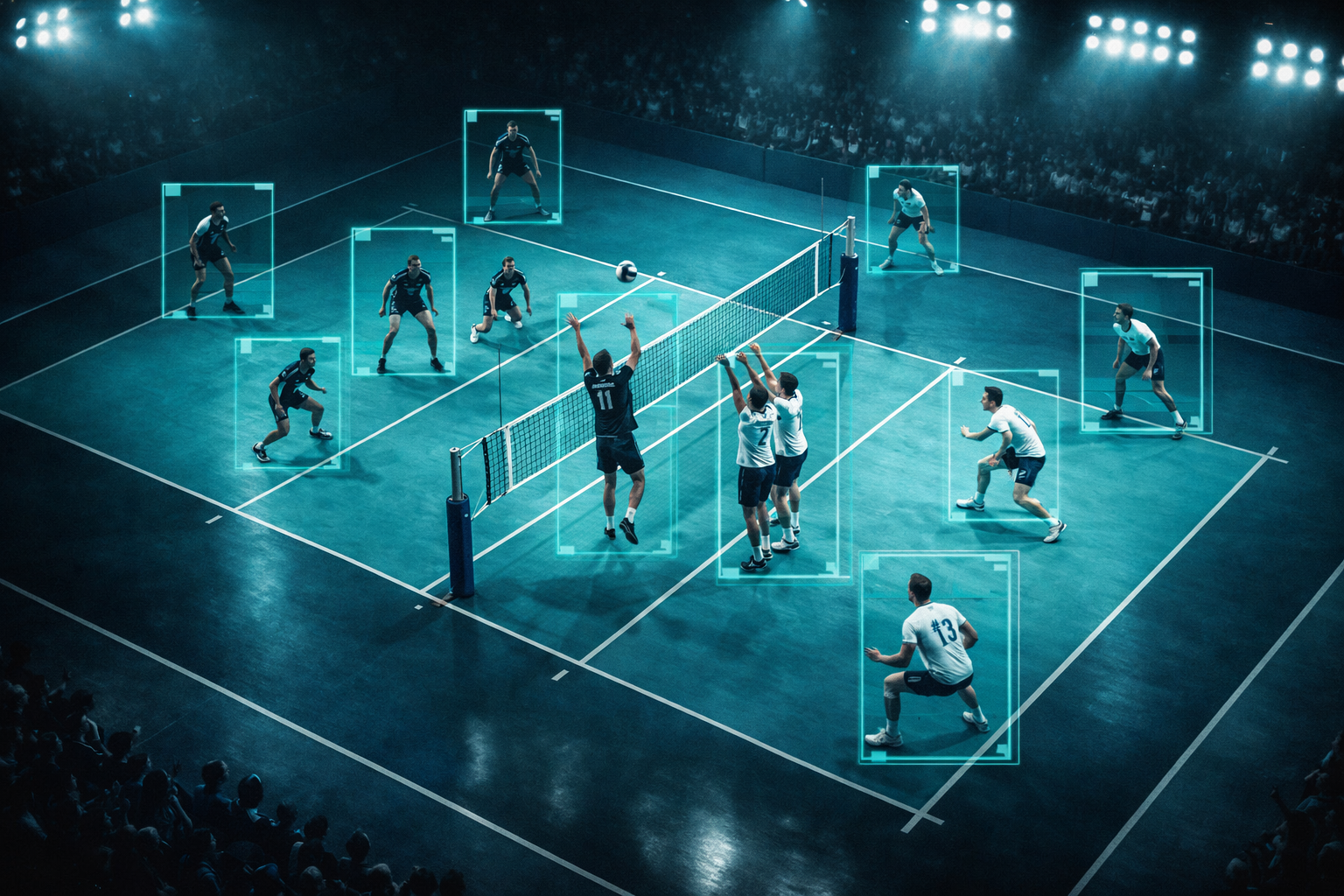
- Where is the ball? The AI draws a glowing circle around it and shows its path through the air
- Where are the players? It draws a box around each player and even tracks their arms and legs
- What shot was that? It can tell the difference between a spike, a serve, a block, and a dig
- What is the score? It counts points automatically when the ball lands out of bounds
- Is it streaming? Yes — it sends everything live to YouTube with all the graphics already on screen
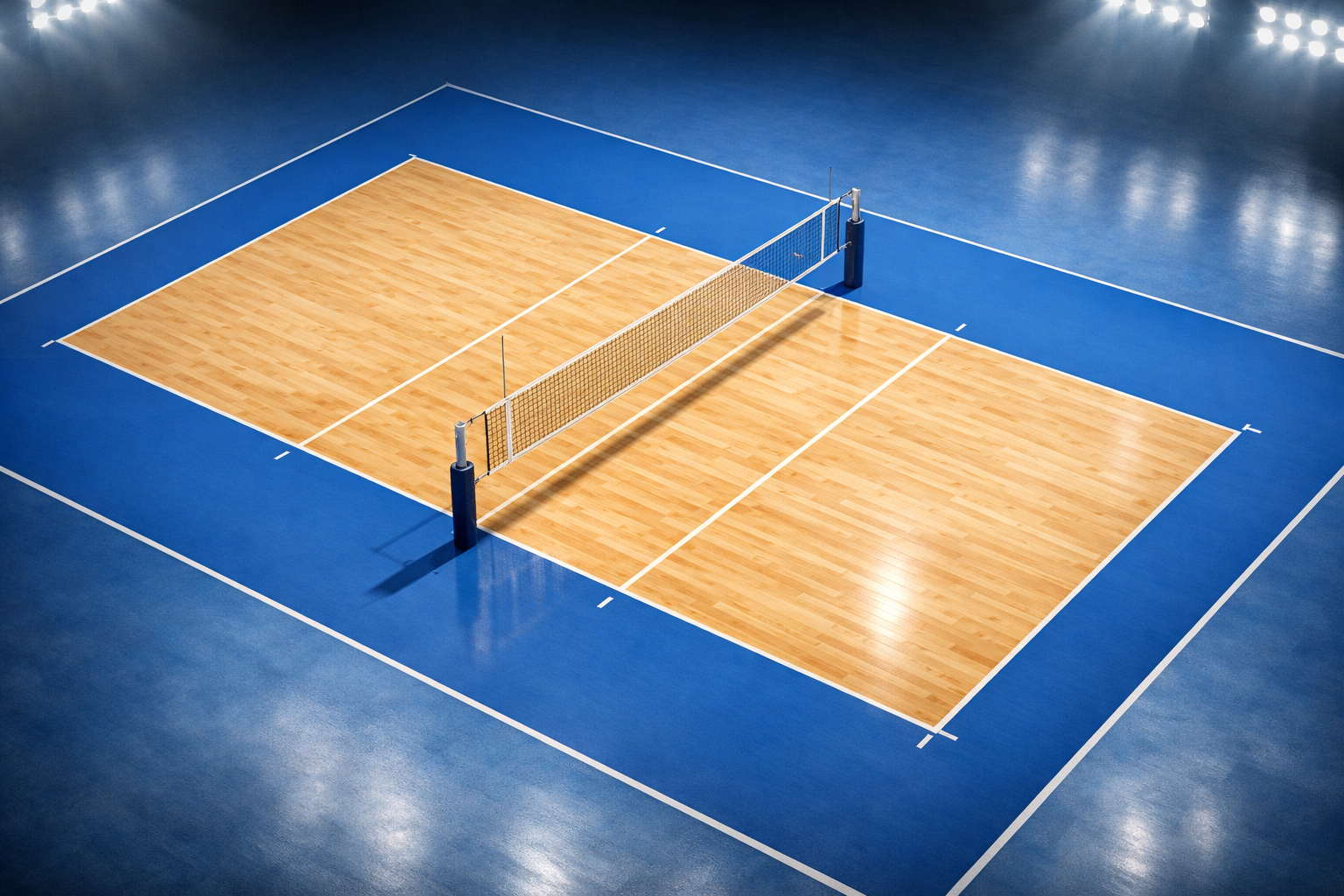
The Volleyball Court
A standard volleyball court is 18 metres long and 9 metres wide. The net sits in the middle at 2.43 metres high. The AI learns the exact size of the court so it knows where everything is.
How does it all work?
There are four simple steps from the camera to YouTube
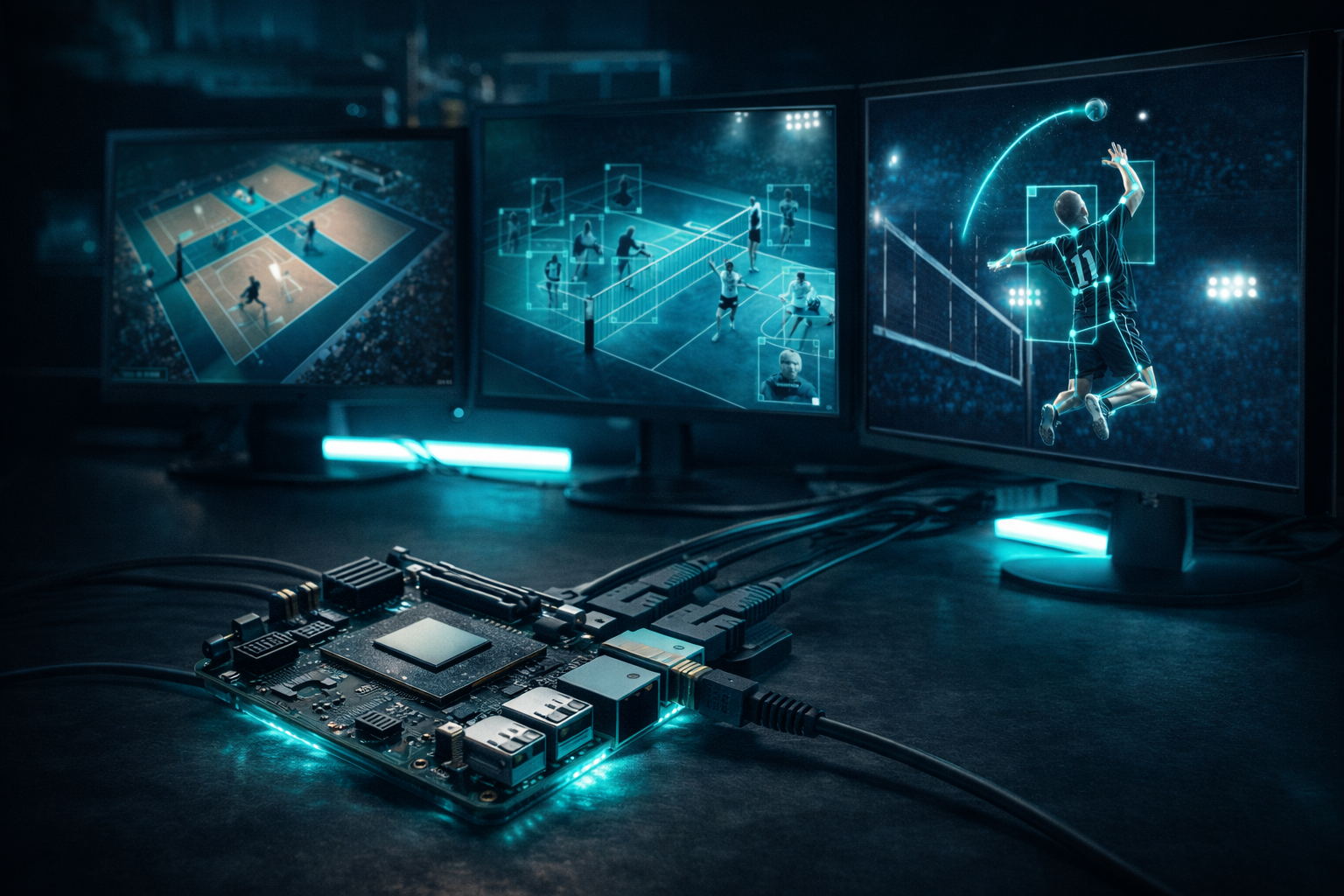
Step 1 — Camera films the match
A camera on a tall tripod films the whole court from above. It connects to the Jetson with a cable. The Jetson receives the video instantly — 60 pictures every single second.
Step 2 — Jetson finds the ball and players
The Jetson runs an AI program called YOLO. For every picture, YOLO finds the ball and every player in less than one millisecond. It is incredibly fast.
Step 3 — Graphics are drawn on screen
The Jetson draws boxes around players, shows the ball trail, displays the score, and labels each shot. All of this is drawn directly onto the video before it is sent anywhere.
Step 4 — Streamed live to YouTube
The finished video with all the graphics is sent to YouTube Live. People anywhere in the world can open YouTube and watch the match in real time, just like a TV broadcast.
The AI in Action
Here is what the camera sees after the AI adds its graphics
What the AI tracks during a match
| What it tracks | How it works | What you see on stream |
|---|---|---|
| Ball position | AI finds the ball in every frame | Glowing circle around the ball |
| Ball speed | Measures how far ball moves per second | Speed shown in km/h on screen |
| Players | AI draws a box around each person | Teal box with player number |
| Player movement | Tracks arms, legs, and body position | Glowing skeleton on each player |
| Shot type | AI checks arm and body position | Label says Spike, Serve, or Block |
| Score | Detects when ball goes out of bounds | Scoreboard in corner of screen |
| Ball trail | Remembers last 10 positions of ball | Glowing arc showing ball path |
| YouTube stream | Sends video over internet to YouTube | Live stream on YouTube channel |
What you need to build this
Hardware
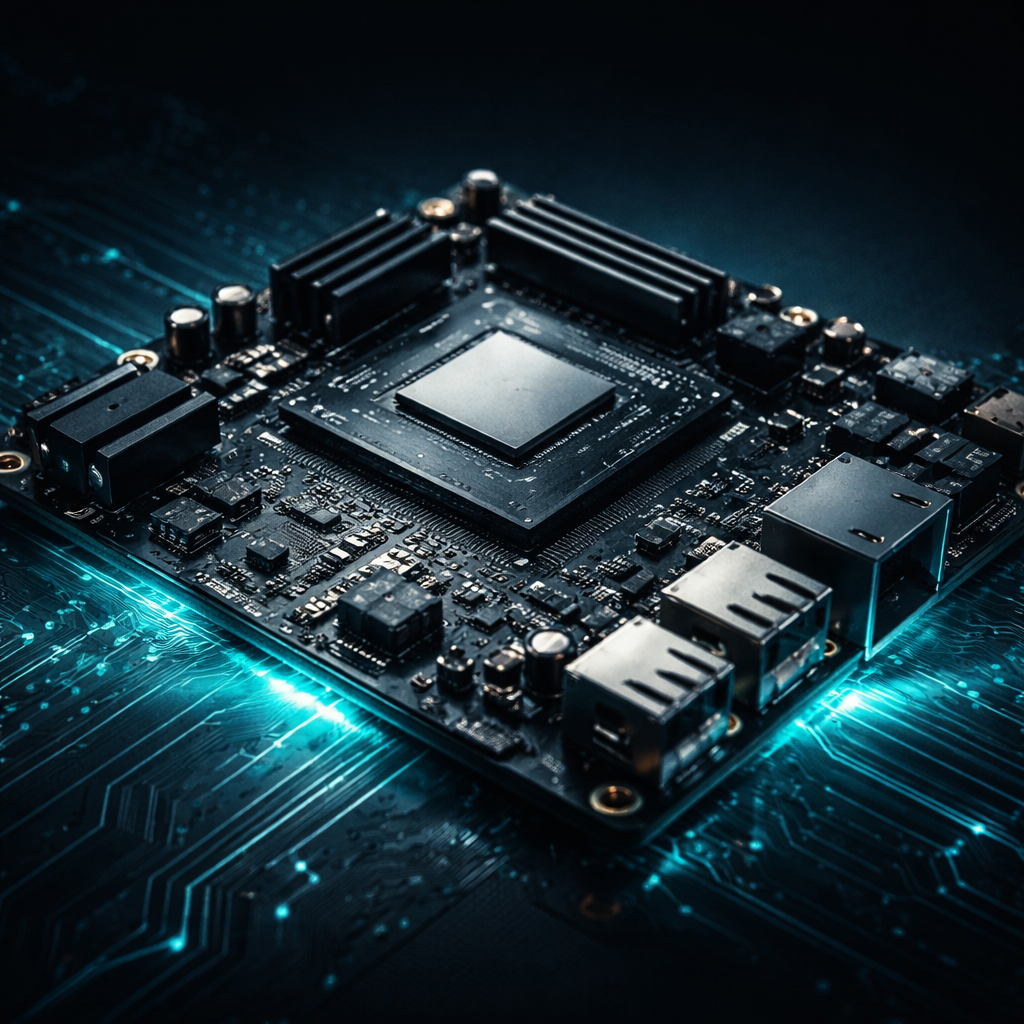
- NVIDIA Jetson Orin Nano — the main AI computer
- Camera — wide angle, plugs into the Jetson
- Tall tripod — to put the camera high above the court
- Internet connection — for the YouTube stream
- Power cable — to keep the Jetson running
Software (all free)
- JetPack — the operating system for the Jetson (free from NVIDIA)
- YOLO — the AI that finds players and the ball (free, open source)
- OpenCV — draws the graphics on the video (free, open source)
- GStreamer — sends the video to YouTube (free, open source)
- YouTube Live — where everyone watches (free with a Google account)
How to go live on YouTube
- Open YouTube Studio and click Go Live
- Copy your stream key — it is like a secret password for your stream
- Paste the stream key into the Jetson program
- Press play — your match is now live on YouTube!
Ready to stream your next match?
The HemiHex Jetson Kit has everything you need to get started. Plug it in, connect your camera, and start streaming your volleyball matches to YouTube today.